
Author: Gerald G.

  • Shoot First, Frame Later: What Makes a 360° Camera Different?

    Shoot First, Frame Later: What Makes a 360° Camera Different?

    This article contains an affiliate link. Infinite Tomorrow may earn a commission if you purchase through it.

    Insta360 X5 cameras in white and black

    With a conventional camera, you decide where to point before pressing record. A 360° camera changes that workflow: capture the scene around you, then choose the view you want to share afterward. The Insta360 X5 puts that approach into a compact action camera.

    What “shoot first, frame later” means

    The X5 stitches footage from two fisheye lenses into a spherical video. In the Insta360 app or desktop editing software, you can choose viewpoints and turn that recording into a conventional video. One moment can become several different compositions.

    That flexibility could appeal to solo creators, travelers, and people recording activities where aiming a camera is awkward. It also gives you another creative decision to make after the shoot.

    The 8K detail worth understanding

    Insta360 lists recording up to 8K at 30 frames per second in 360° mode. That resolution covers the full spherical image. A reframed view uses only part of it, so it should not be described as an 8K crop. Export quality depends on framing, field of view, recording mode, and export settings.

    Plan for the editing workflow

    Before buying, check your phone or computer against Insta360’s compatibility requirements. You will need to manage recordings, select useful views, and export finished clips. The manual also requires app activation before first use and specifies compatible microSD storage.

    If you want a fixed view with minimal editing, consider whether a conventional camera or phone already meets your needs. If choosing angles afterward solves a recurring filming problem, a 360° camera is worth exploring.

    Explore the Insta360 X5 and current bundles →

    This is a product explainer, not a hands-on review. Sources: official X5 specifications and X5 user manual. Check current features, compatibility, and package contents before buying.
  • How Much Floor Cleaning Can a Home Robot Take Off Your Hands?

    How Much Floor Cleaning Can a Home Robot Take Off Your Hands?

    This post contains an affiliate link. Infinite Tomorrow may earn a commission if you purchase through it.

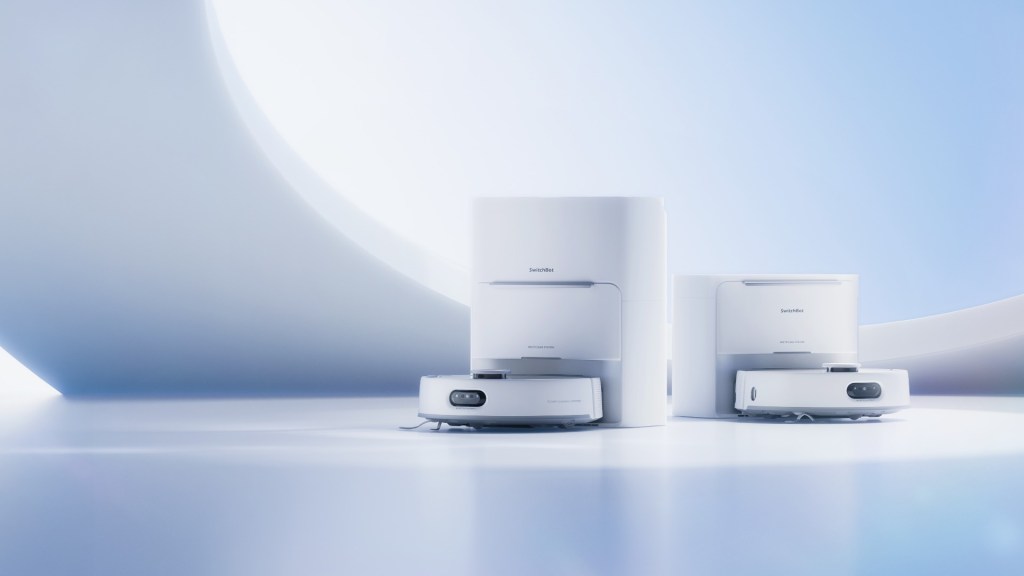
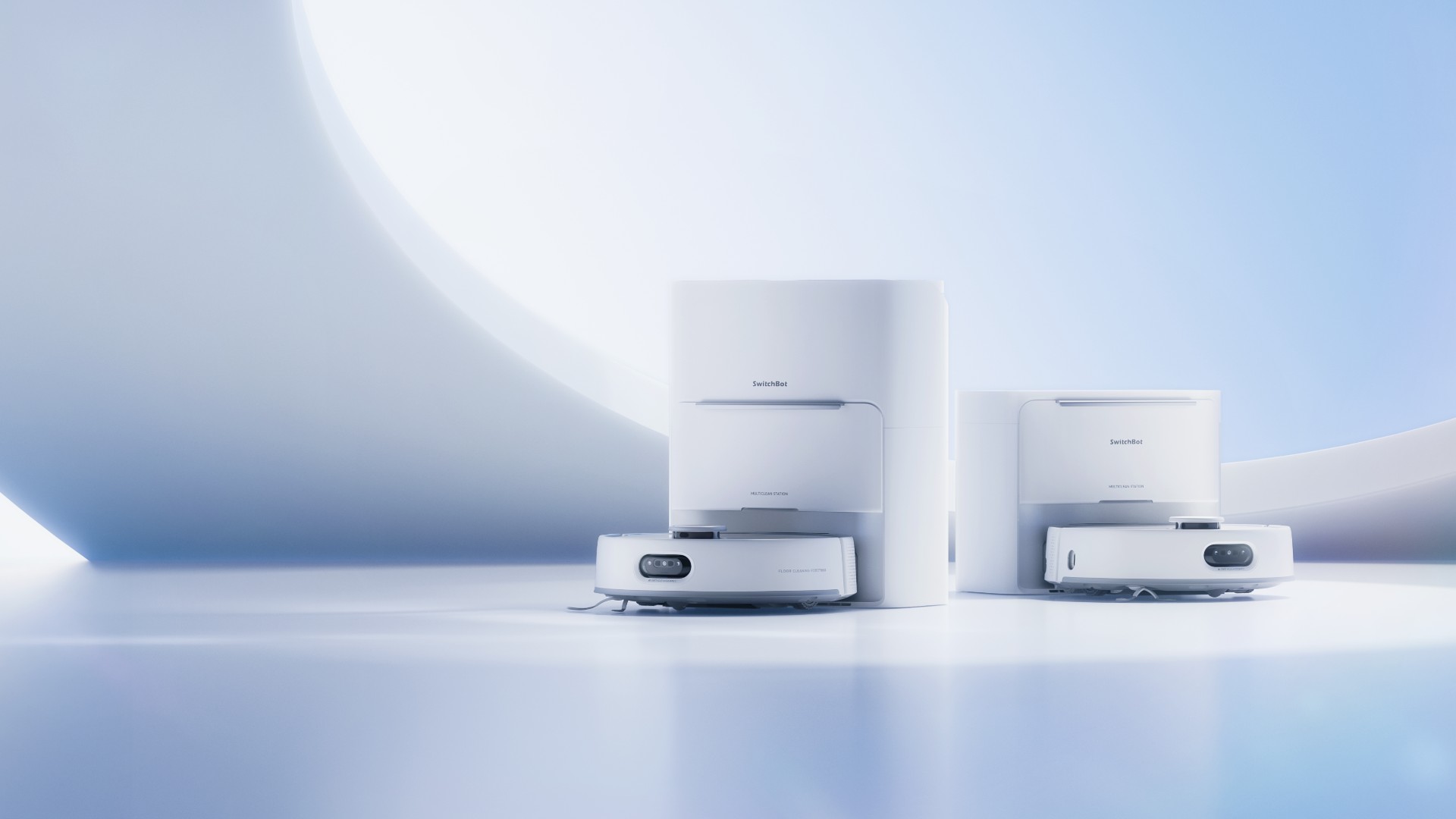
    SwitchBot S20 robot vacuum and mop with its station options
    Advertiser-provided image. Station options and accessories vary by package.

    The appeal of a home cleaning robot is simple: fewer routine chores. The SwitchBot S20 combines vacuuming and roller mopping, with a station designed to handle parts of the cleanup afterward.

    Explore SwitchBot S20 — Compare Packages & Current Pricing →

    What it can automate

    SwitchBot lists LiDAR mapping, camera-assisted obstacle avoidance, automatic dust collection, and hot-air mop drying. The S20 also lifts its mop when it detects carpet. These are manufacturer-described capabilities, not results from our own testing.

    Check the setup before buying

    Automatic water supply and drainage require a compatible Water Station, sold separately. Check the exact package, installation requirements, and available space before ordering. Do not assume every station shown in promotional images is included.

    What still needs your attention

    Automation does not remove every ownership task. Review SwitchBot’s daily maintenance guide, and budget for consumables such as brushes, filters, mop rollers, and dust bags.

    Our take: start with your home’s layout and the chores you want to reduce. A good fit matters more than a long feature list.

    Explore the SwitchBot S20 and current package options →

    Product spotlight based on SwitchBot’s U.S. product information, not a hands-on review. Confirm current specifications, price, and availability with the seller.

  • AI Art Meets the Everyday Home

    This post contains an affiliate link. Infinite Tomorrow may earn a commission if you purchase through it.

    SwitchBot AI Art Frame displaying artwork on a living-room wall, with the SwitchBot app shown on a phone

    SwitchBot’s AI Art Frame brings AI-generated artwork and personal photos to a color E Ink display, offering a paper-like alternative to a glowing digital screen.

    Through the SwitchBot app, you can create artwork from prompts, upload images, and schedule changes. Its rechargeable battery allows placement without a permanent power cable.

    One detail to consider: SwitchBot says the E Ink display is best viewed from a distance because of its larger pixels. Think wall art rather than a close-up photo screen.

    For people exploring how AI can fit into their living spaces, it’s an interesting blend of creativity and home technology.

    Explore the SwitchBot AI Art Frame

    This is a product spotlight based on manufacturer information, rather than a hands-on review.

  • Hello World!

    Welcome to WordPress! This is your first post. Edit or delete it to take the first step in your blogging journey.