INFINITE TOMORROW · WORK & PRODUCTIVITY
Look Clear, Sound Clear, Capture What Matters.
Four independent upgrades for a more considered home office. Start with the part of your workday that needs attention: how you appear on camera, how your face is lit, how you handle hands-free conversations, or how you keep useful details.
Affiliate disclosure: Infinite Tomorrow may earn a commission on qualifying purchases through the OBSBOT and Soundcore links below, at no additional cost to you. Logitech and Jabra links go to their manufacturer stores; no affiliate commission is claimed for those links. Sellers handle purchases, fulfillment, warranties and returns.
Stay in frame · OBSBOT Tiny 3
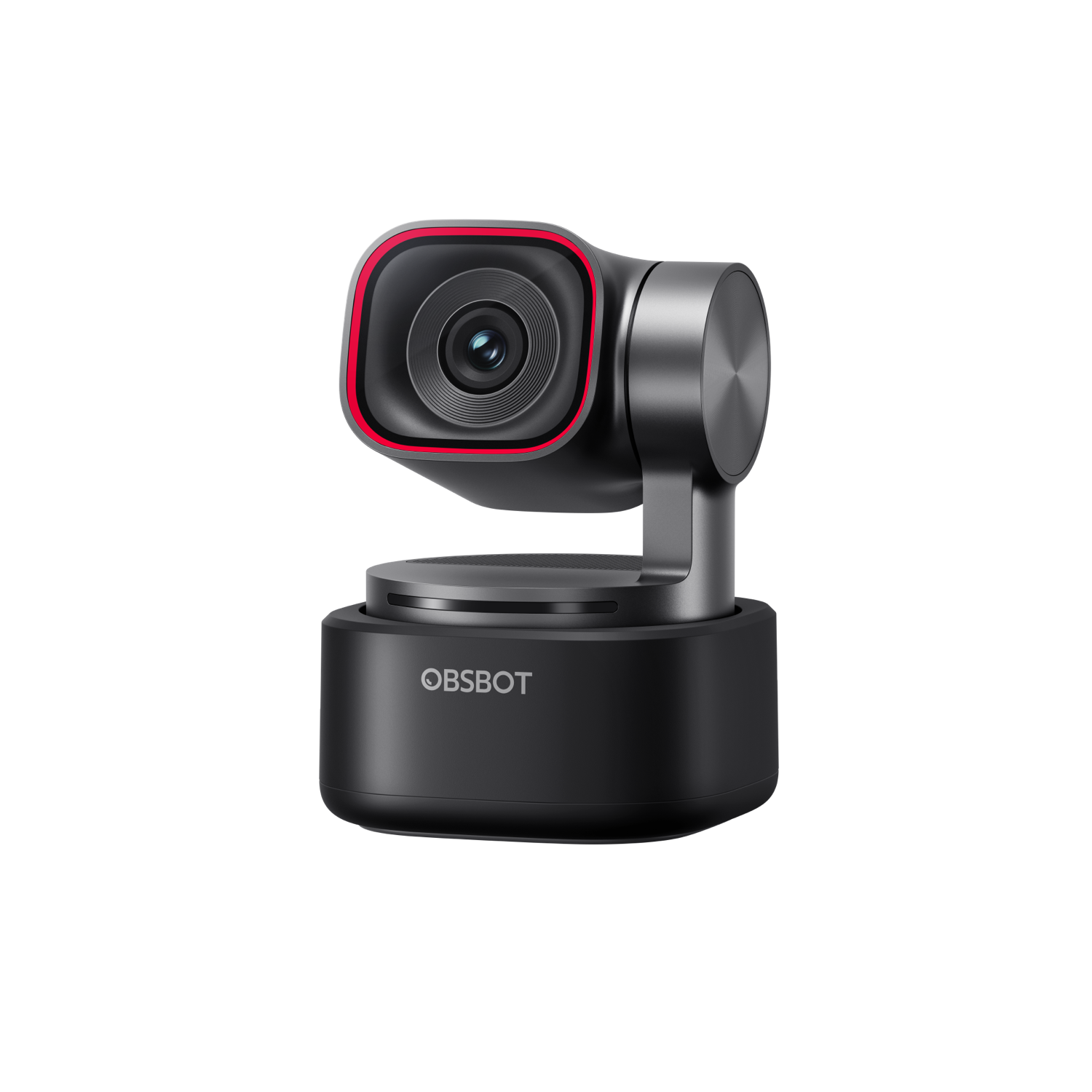
For people who move while presenting, teaching or demonstrating. A motorized tracking webcam can help keep you framed as you work.
Consider: If you sit still during calls, a conventional webcam may be enough. Check your computer and conferencing software, camera position and available lighting. On the seller’s page, select Tiny 3; Tiny 3 Lite is a different model. Choose the standard pack or your preferred accessory bundle, and confirm what is included.
Check price and options at OBSBOT
Read our OBSBOT Tiny 3 spotlight
Improve desk lighting · Logitech Litra Glow
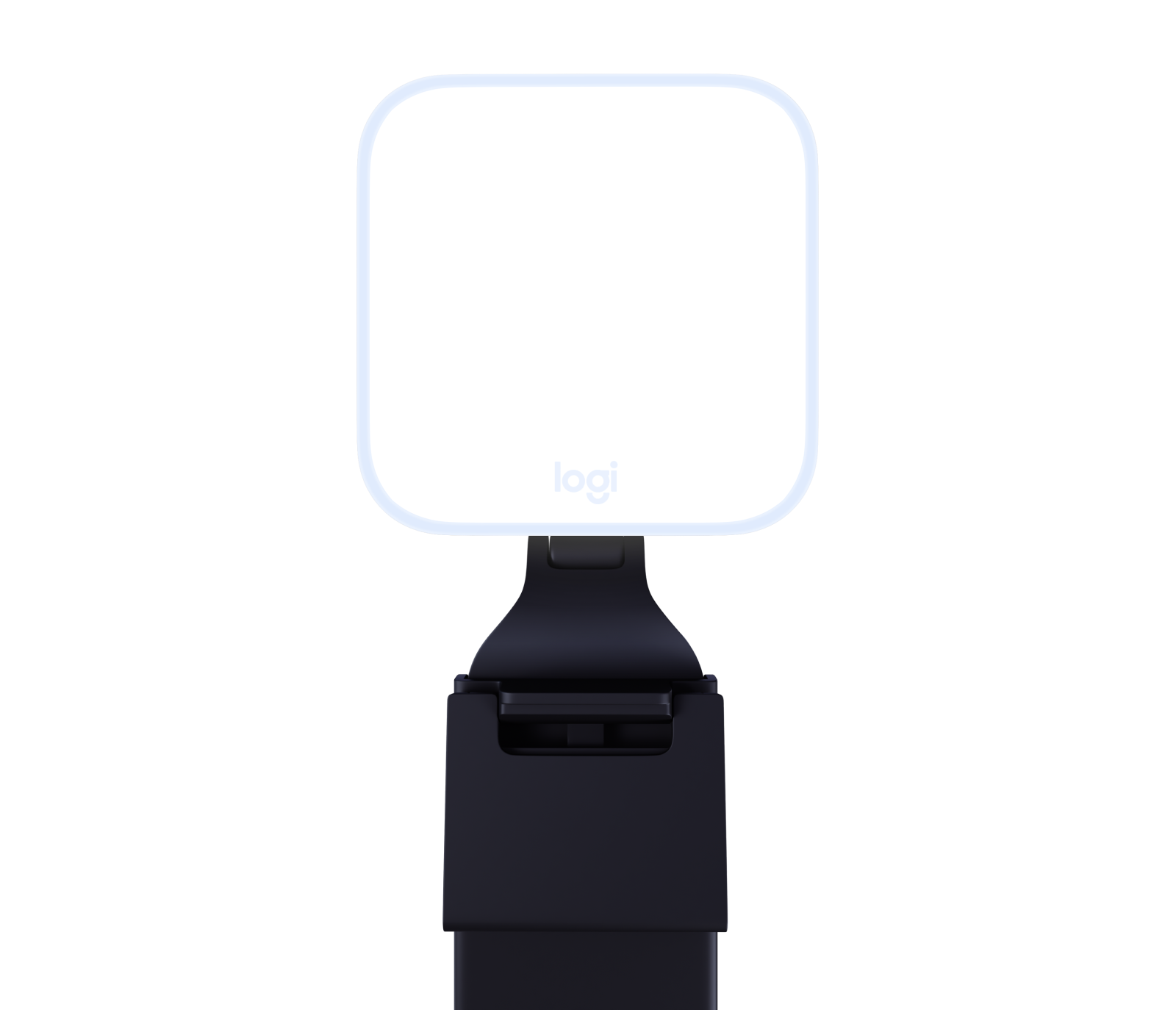
For people whose face looks dim or unevenly lit on video calls. Litra Glow offers adjustable brightness and color temperature to help you tune the light around your desk.
Consider: Litra Glow is USB powered; Logitech recommends a USB 3.0 port supplying 5 V/1 A. Connect it to your computer for G HUB software controls, and check that the mount fits your screen. Start by improving the position of your existing light and monitor, then decide whether a dedicated light would help.
Check price and options at Logitech
Take hands-free calls · Jabra Speak2 55
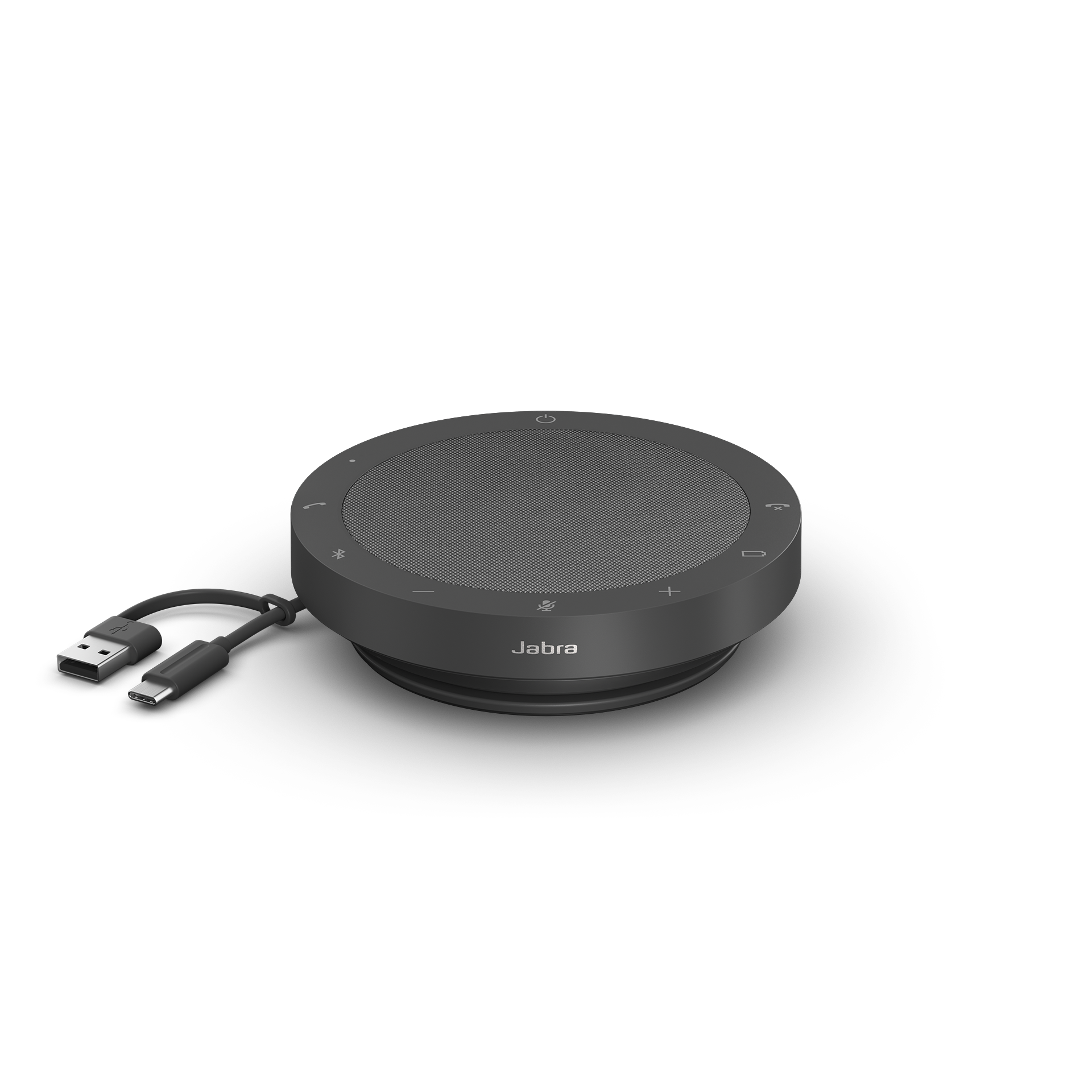
For people who prefer a desk speakerphone for conversations in a private workspace. Speak2 55 supports USB and Bluetooth connections, with both USB-A and USB-C connectors on its integrated cable.
Choose the right version: Compare UC and Microsoft Teams variants before ordering. Jabra recommends the integrated USB cable for certified computer audio. Confirm the selected variant matches your conferencing platform before checkout. A speakerphone also makes conversations audible to people nearby.
Check price and options at Jabra
Keep useful details · Soundcore Work
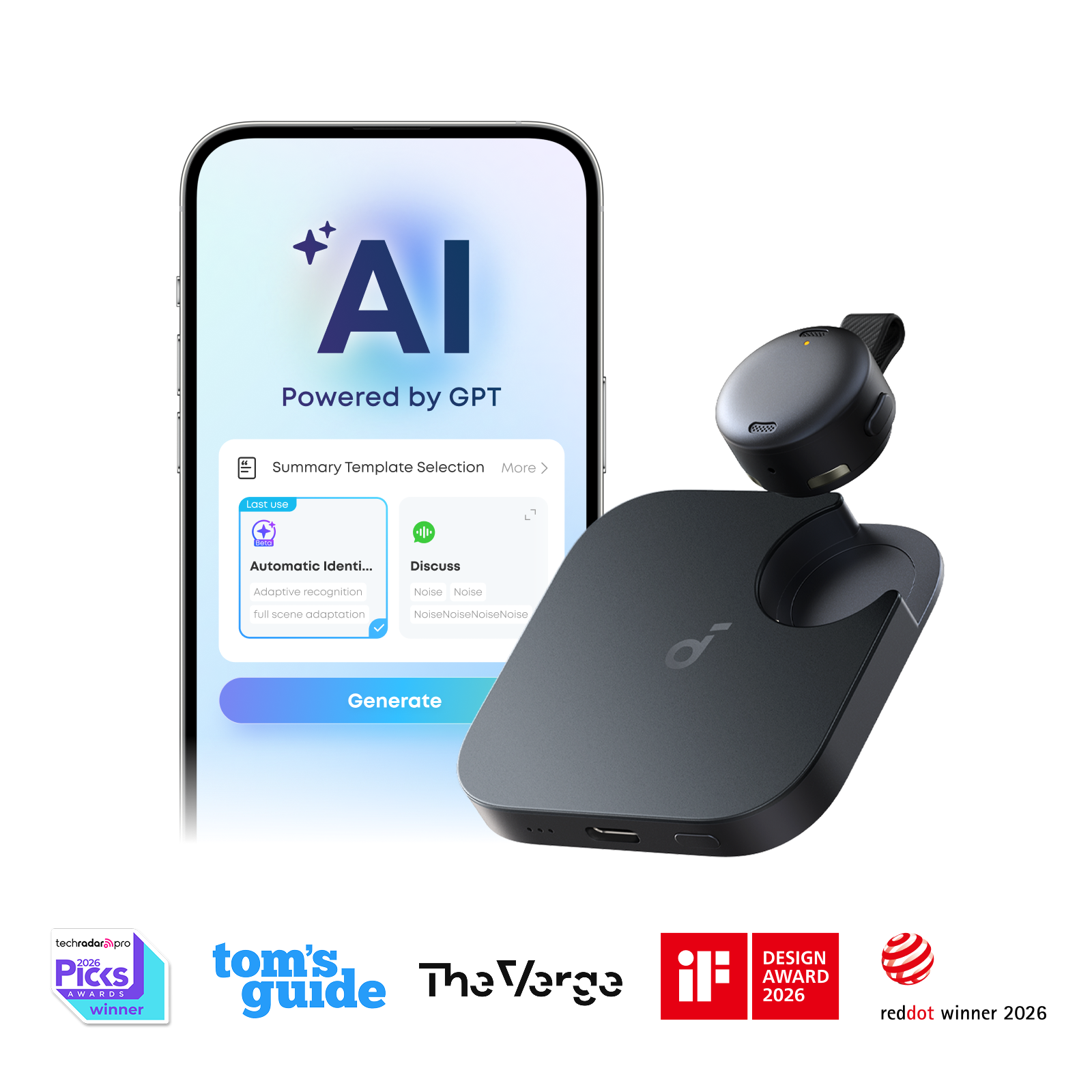
For people who want a dedicated wearable recorder and a way to revisit conversations through transcripts and AI summaries.
Consider: Choose your storage capacity and color on the seller’s page and confirm the exact configuration before ordering. The included allowance is 300 transcription minutes per month (five hours); more storage does not increase that allowance. Check current paid-plan costs if you need more transcription.
App and privacy: Initial setup and transcripts use the soundcore app and an account. Transcription involves cloud processing; review current upload, retention and deletion settings for sensitive conversations. The seller also promotes Work × Typeless: its optional dictation workflow uses a separate Typeless account, with some features on paid plans.
Before recording: Ask participants and check workplace privacy requirements. Review important AI-generated details against the recording. Attaching the device to a phone does not establish that it captures phone calls or online meeting audio; verify your intended workflow.
Check price and options at Soundcore
Read our Soundcore Work spotlight
Choose the upgrade that solves your problem
You do not need to buy all four. Start with lighting if your image is dim, framing if you move during presentations, a speakerphone if hands-free calls suit your room, or a recorder if returning to conversation details is a recurring need.
Each product is purchased separately. This collection is editorial curation; it does not represent a tested integrated system or a single bundle. Confirm compatibility, exact variants, current pricing, stock and return terms with each seller.
Our editorial standard
These selections are based on researched product information, not hands-on testing. Manufacturer claims have not been independently tested by Infinite Tomorrow. We explain practical uses and trade-offs so you can decide whether an upgrade fits your routine.
Source: Jabra Speak2 55 user manual
Source: Logitech Litra Glow power guidance
Source: Soundcore Work features and included allowance
Product information last reviewed November 11, 2026. Seller configurations, allowances and terms may change.

