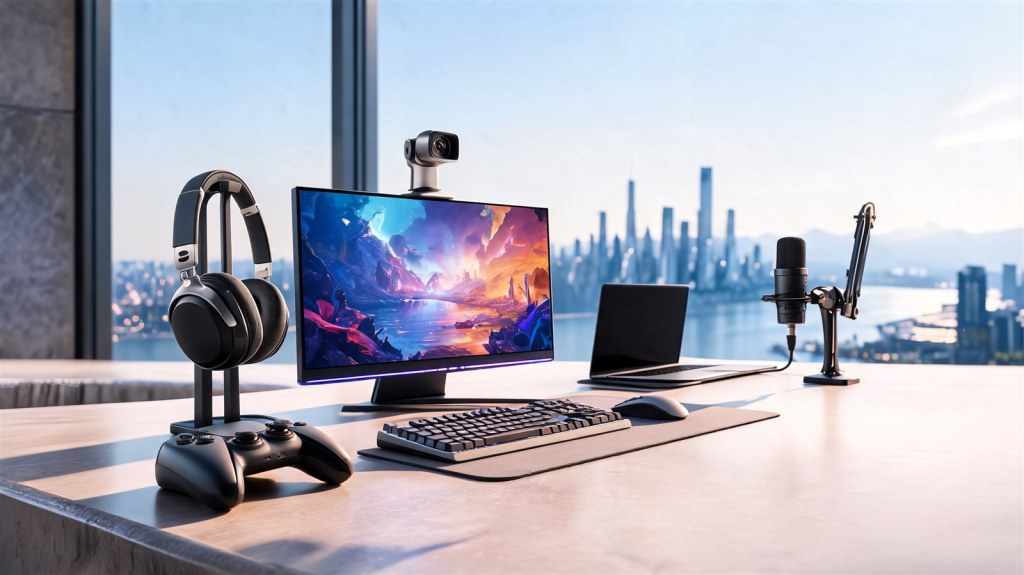
Make room for better video, flexible framing and expressive audio. These guides focus on tools for presenters, streamers and creators. The department image illustrates a creative workspace; the guides below identify the products we currently cover.
OBSBOT Tiny 3 — stay in frame
For presenters, teachers and streamers who want a webcam that follows their movement. Check computer and software compatibility, leave room for tracking and plan for good lighting. Confirm the exact model: Tiny 3 and Tiny 3 Lite are different products.
Explore the OBSBOT Tiny 3 spotlight →
Insta360 X5 — choose your framing after recording
For creators who want to capture a scene in 360 degrees and select an angle later. That flexibility adds editing and storage demands, so check your phone or computer’s compatibility before buying.
Explore the Insta360 X5 spotlight →
ElevenLabs — explore AI audio tools
For creators exploring narration and other audio workflows. Available tools, credits and commercial rights depend on the plan. Use voices and material you have permission to use, and review privacy terms before uploading recordings.
Explore the ElevenLabs spotlight →
Improve the desk behind your next recording
For a practical starting point on camera framing, lighting and call sound, compare the existing Home Office Collection.
Explore the Home Office Collection →
Our spotlights explain product fit and trade-offs using researched information; they are not hands-on reviews. Some linked guides contain affiliate links, identified in each guide. Check current features, compatibility, costs and terms before buying.

